Geotab GO Focus Plus Camera Rules, Thresholds, and Event Buffers

By Geotab Team
Feb 25, 2026
Key Insights
The Geotab GO Focus Plus uses integrated ADAS and DMS rules to trigger near real-time video events. For Australian and New Zealand fleets, these rules are customised to suit heavy vehicle stopping distances and regional conditions, ensuring compliance with country-specific laws and requirements while reducing operational costs.
What are GO Focus Plus camera rules and thresholds?
A camera rule is a specific set of parameters that, when met, triggers a video event. These are categorised into Advanced Driver Assistance Systems (ADAS)—monitoring the road—and Driver Monitoring Systems (DMS)—monitoring the driver.
Rule thresholds control the sensitivity of these triggers. In Australia and New Zealand, a "one size fits all" approach fails due to our unique vehicle configurations:
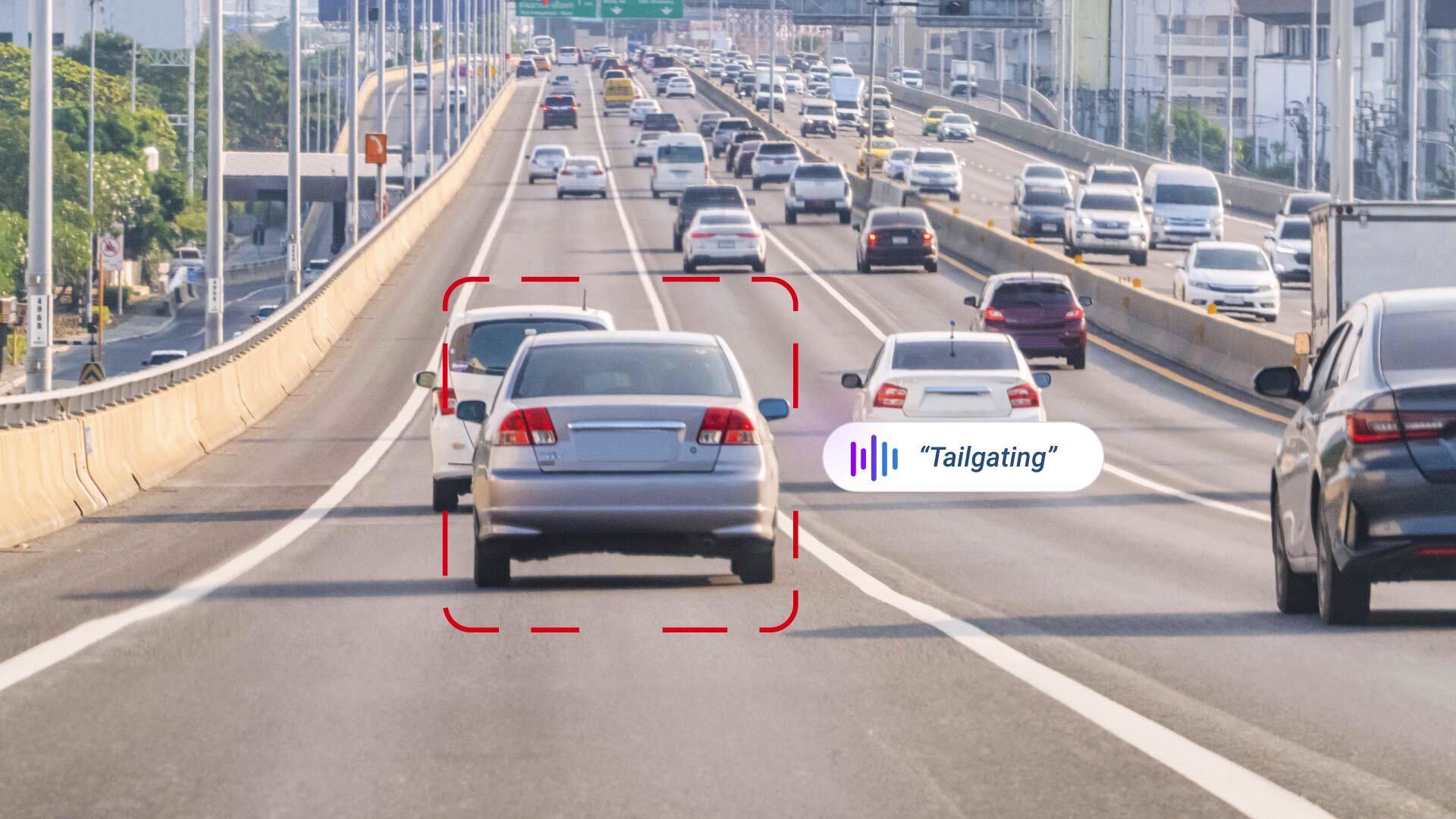
- Heavy Vehicles: For B-doubles or road trains, thresholds are set to detect tailgating much earlier. This accounts for the significantly longer stopping distances required compared to standard passenger cars.
- Light Commercial Vehicles: For last-mile or metro delivery vans, thresholds may be adjusted to accommodate tighter traffic flow while still alerting to high-risk behaviours.
What are pre/post event buffers?
Buffers determine the start and end point of a recorded event.
- Pre-buffer: Seconds recorded before the trigger.
- Post-buffer: Seconds recorded after the trigger.
In rural Australian conditions, these buffers are critical. For example, if a driver swerves to avoid a kangaroo, the pre-buffer captures the animal entering the road, proving the driver's reaction was a necessary safety manoeuvre and not “erratic driving.”
ADAS Rules
| Camera Rules | Description | Configurable Parameters | Default (Metric) | Default (Imperial) | Audible Alert |
| Collision | A vehicle collides with another vehicle or object, resulting in impact and potential damage. | None | N/A | N/A | Collision.
|
| Defensive Driving | Reducing speed to maintain a safe following distance when another vehicle merges ahead at an unsafe following distance. | Speed Time to Collision | 30 to 90km/h : 1s
90 to 120km/h : 0.75 s
≥ 120 km/h : 0.5 s | 18 to 56 mph : 1 s 56 to 75 mph : 0.75 s ≥ 75 mph : 0.5 s | Safe Driving. |
| Lane Straddling | Driving a vehicle over 2 lanes, which can disrupt traffic flow and lead to collisions. | Duration | 5 s | 5 s | Keep inside the lane. |
| Near Collision | A vehicle comes dangerously close to a collision, but avoids it through sudden braking or maneuvers. | None | N/A | N/A | Near Collision. |
| Rolling Stop | Failing to come to a complete stop at a stop sign or red light, instead rolling through the intersection. | Speed | 3.6 km/h | 2.2 mph | Rolling Stop. |
| Solid Lane Violation | The vehicle crosses a solid lane | Speed Duration | 40 km/h 3 s | 25 mph 3 s | Solid Lane Violation. |
| Tailgating | Following another vehicle too closely, reducing stopping distance and increasing the risk of collision. | Speed Time to Collision | 30 to 60 km/h : 1 s 60 to 90 km/h : 1.25 s ≥ 90 km/h : 1.5 s | 18 to 37 mph : 1 s 37 to 56 mph : 1.25 s ≥ 56 mph : 1.5 s | Tailgating. |
DMS Rules
| Camera Rules | Description | Configurable Parameters | Default (Metric) | Default (Imperial) | Audible Alert |
| Distraction | A driver’s attention is diverted, increasing the risk of a collision. | Duration | 6 s | 6 s | Eyes on the road. |
| Drinking | A driver is detected consuming a beverage, potentially impairing their control. | Duration Vehicle Speed | 5 s 20 km/h | 5 s 12.5 mph | Hands on the wheel. |
| No Seatbelt | A driver or passenger is not wearing a seatbelt, violating safety regulations. | Speed | 20 km/h | 12.5 mph | Fasten your seatbelt. |
| Phone Usage | A driver is detected using a phone, posing a safety risk. | Duration | 5 s | 5 s | Put your phone down. |
| Smoking | A driver is detected smoking while driving, which can lead to distractions. | None | N/A | N/A | Smoking. |
GO9 Telematics Rules
| Camera Rules | Description | Configurable Parameters | Default (Metric) | Default (Imperial) | Audible Alert |
| Harsh Acceleration | A rapid increase in vehicle speed, indicating aggressive driving. | G force | 0.4 G | 0.4 G | Harsh acceleration. |
| Harsh Braking | A sudden increase in braking force, indicating an emergency stop or aggressive driving. | G force | 0.6 G | 0.6 G | Harsh Braking. |
| Harsh Cornering | A fast, sharp turn, indicating cornering at an unsafe speed. | G force | 0.5 G | 0.5 G | Harsh Cornering. |
Frequently Asked Questions
The camera features night light to pick up road hazards, such as wildlife and unlit trailers, common on Australian regional roads.
Yes. For New Zealand's winding regional roads, G-force thresholds for Harsh Cornering can be adjusted to differentiate between necessary manoeuvres and aggressive driving.
Absolutely. By documenting that you have active monitoring and coaching systems in place, you provide a clear audit trail of your commitment to road safety and risk mitigation.
Focus on "Driver Support." Frame the technology as a tool for exoneration in accidents and a safety net for drowsiness, rather than a surveillance tool.
The Geotab Team write about company news.
Related posts
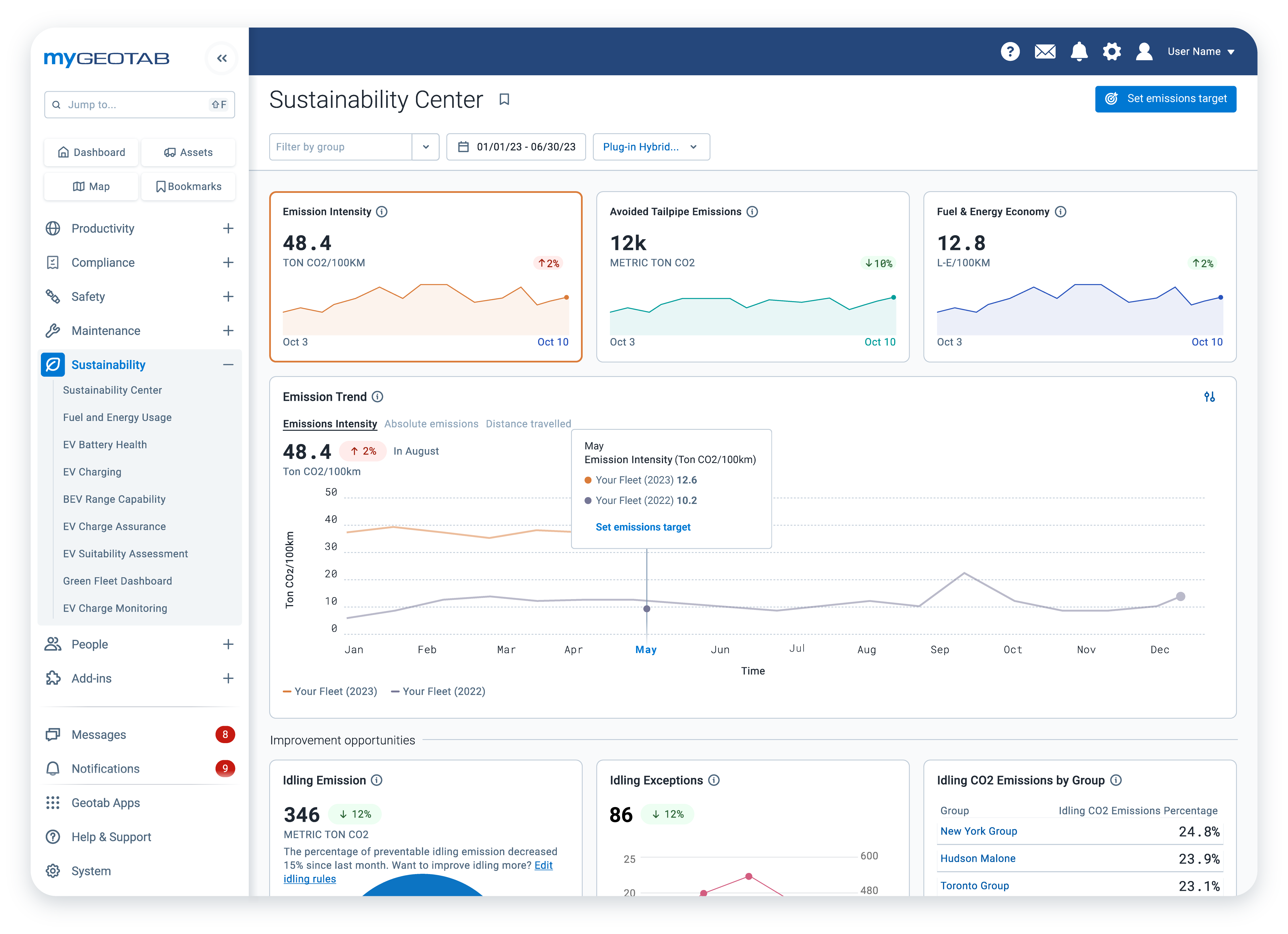
Sustainability Centre: central hub for sustainable fleet management
January 28, 2025
2 minute read
Navigating the Future: Five telematics trends taking 2024 by storm
January 18, 2024
3 minute read