Total visibility for your tools and equipment
Extend Geotab visibility to non-powered tools, measurement equipment, and job site gear. Just attach and track with zero wiring, zero SIM cards, and zero cellular contracts.
Eliminate blind spots beyond the engine
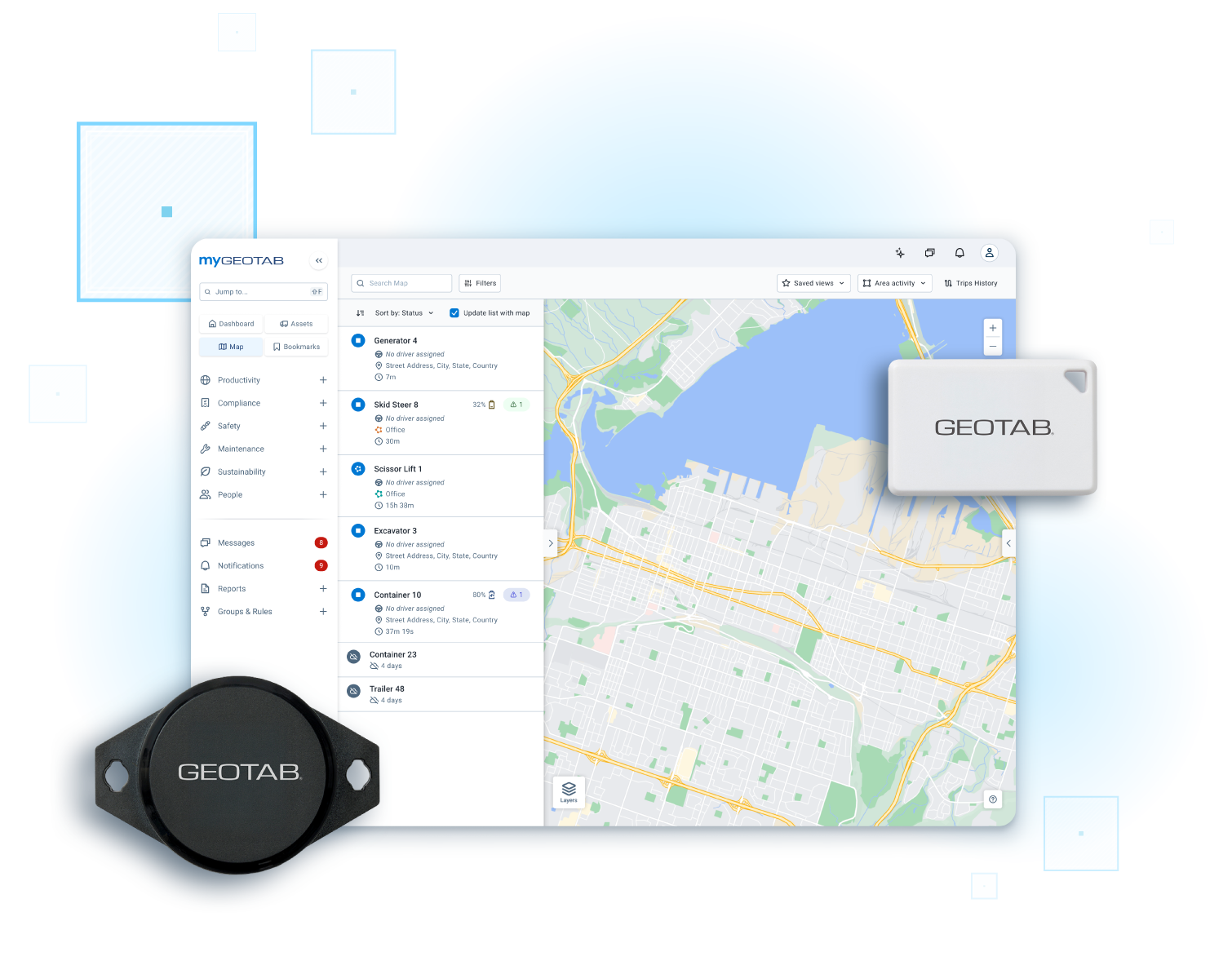
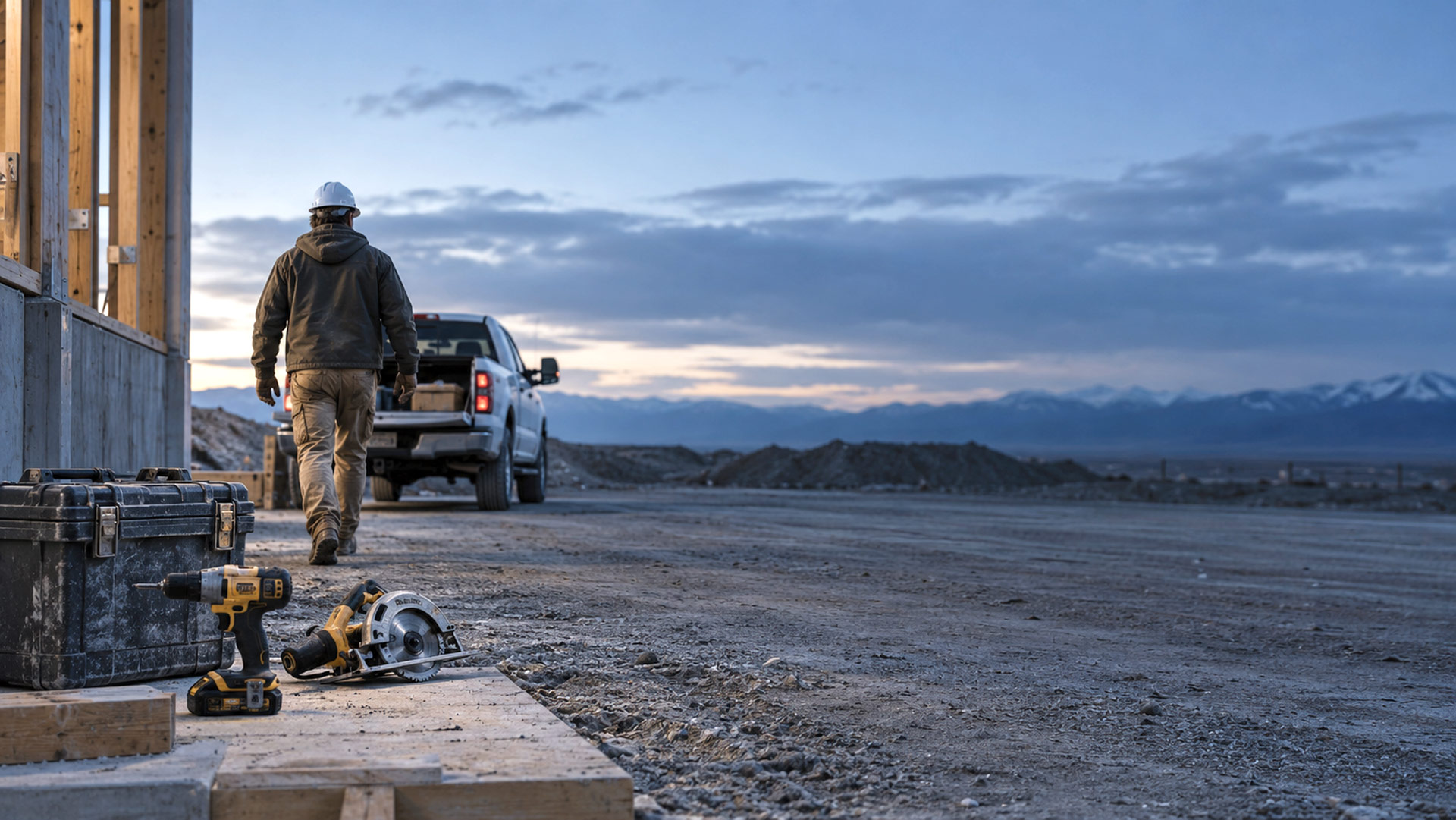
Small assets like handheld power tools, measurement instruments, ladders, and specialized kits create major operational bottlenecks when misplaced. Geotab Small Asset Tracking extends your fleet tracking capabilities directly into MyGeotab using Bluetooth® Low Energy (BLE) technology.
Manage your small tools right alongside your heavy machinery and vehicles on a single, unified dashboard, eliminating extra software, multiple logins, and high cellular data costs.
Key benefits
- Simplified asset management: Track vehicles, trailers, heavy equipment, and handheld tools within a single MyGeotab dashboard.
- Prevent loss & fast recovery: Receive automatic "Left Behind" and separation alerts the moment an asset stops traveling with its designated vehicle or crew.
- Reduce operating costs: Stop repurchasing lost tools or paying for unnecessary rentals by knowing exact inventory locations across job sites.
- Actionable operational insights: Leverage detailed reports on tool utilization, movement history, and site placement to send the right crew with the right tools every time.
GO Anywhere Tag & Mini-Tag
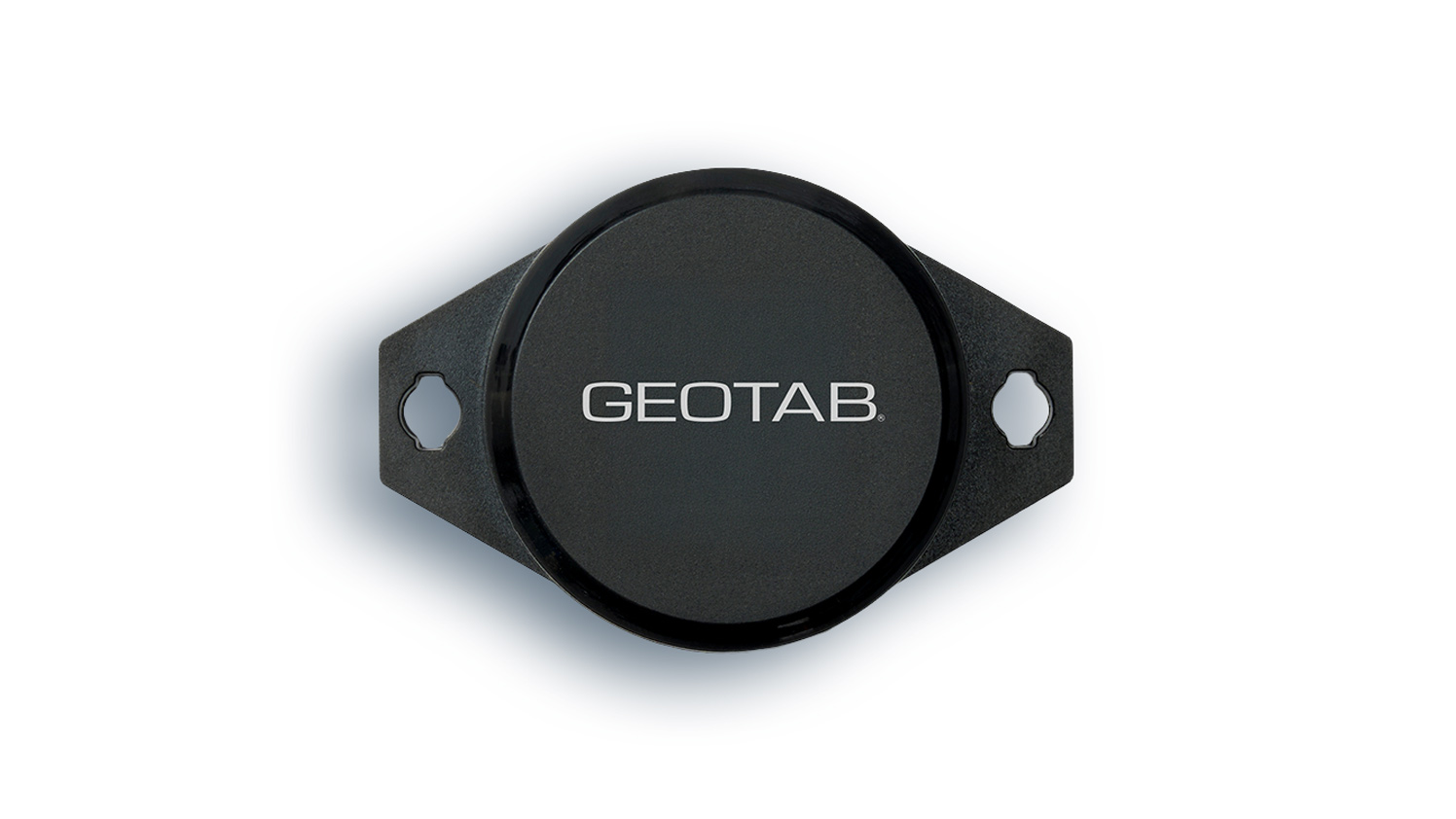
GO Anywhere Tag
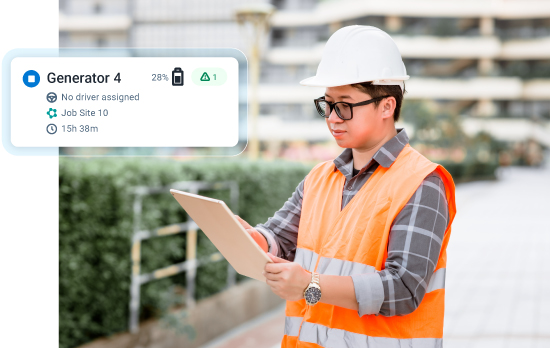
Rugged, durable BLE tag for operational equipment, tools, pallets, and returnable containers.
- Best for
- Job sites, yards, unpowered containers, and high-impact outdoor equipment.
- Key specs
- Dimensions: 70.6 x 38 x 17.8 mm
- Battery life: 5+ years (field-exchangeable battery)
- Durability: IP67-rated for weather, dust, and harsh job site conditions
- Connectivity: Ambient BLE mesh relay + Geotab gateways
GO Anywhere Mini-Tag
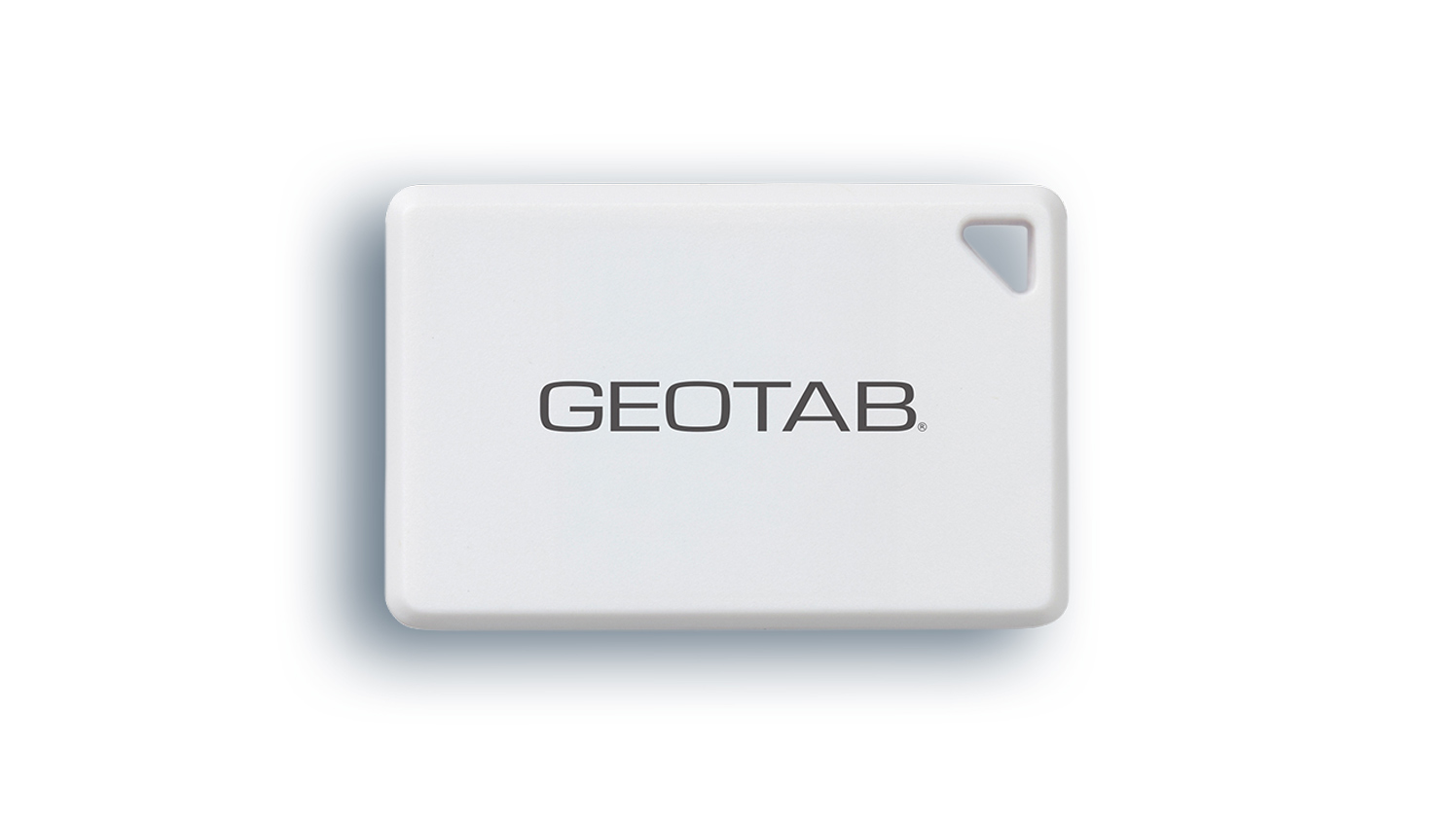
Geotab’s smallest tracker—engineered to go unnoticed on compact tools, cases, and high-value gear.
- Best for
- Handheld power tools, instrument kits, keys, critical USB drives, and ghost-tracking rental use cases.
- Key specs
- Dimensions: 36.5 x 23.7 x 5 mm (smaller than a standard coin/AirTag)
- Battery life: 1 year (field-swappable battery)
- Durability: Built for protected environments, toolboxes, cabs, and van interiors
- Connectivity: Ambient BLE mesh relay + Geotab gateways
How it works: continuous connectivity without cellular fees
Attach: Affix durable BLE tags to tools, instruments, and unpowered equipment using adhesive, screws, or zip ties.
Relay: Tags continuously transmit Bluetooth signals. Location data is automatically captured by nearby Geotab Gateways (including Geotab GO devices, IOX-BT, and the Geotab Drive app).
Ambient network expansion: Sightings are passively relayed through global ambient networks (including the Hubble Network), providing location updates in cities, ports, and job sites without requiring SIM cards or cellular contracts.
- Manage: View locations, track inventory levels, set geofenced zones, and review history in MyGeotab.
Smart features built for fleet productivity

Asset linking
Automatically associates small tools with the vehicle, trailer, or technician currently transporting them.

Asset separation alerts
Receive instant notifications if a vehicle leaves a job site or station without its tagged tools.

Geofenced job site zones
Monitor when assets arrive at or leave job sites, customer locations, or warehouses.

Dormancy & inventory reporting
Identify unused or "hoarded" equipment sitting idle on job sites so it can be redeployed or liquidated.
Solutions by industry


Ensure technicians have all required diagnostic tools and kits before departing for service calls, boosting First-Time Fix Rates (FTFR).
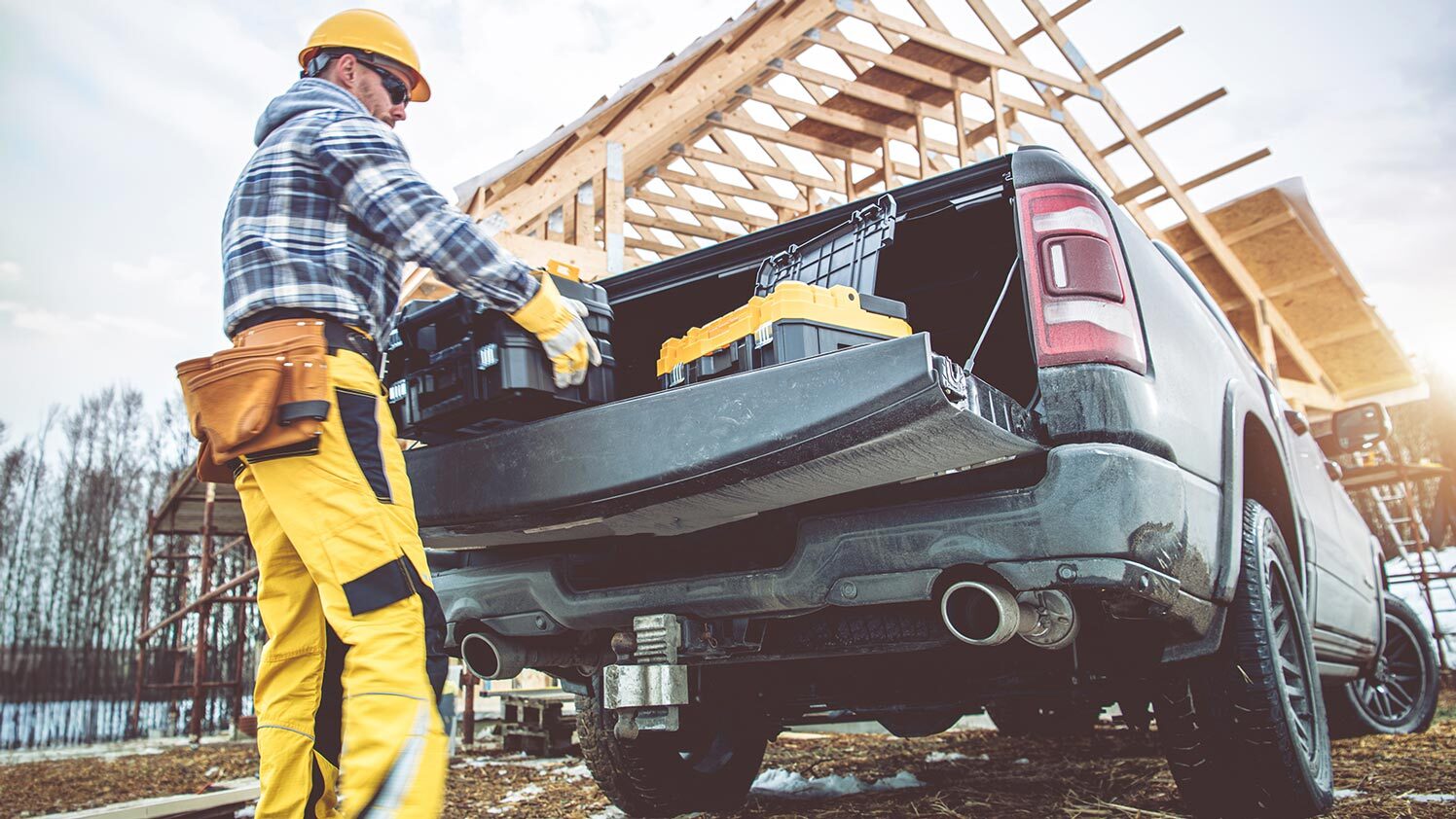
Stop searching for misplaced generators, light towers, buckets, and handheld tools across expansive job sites.
Prevent tactical equipment and life-saving tools from being left behind at incident scenes.
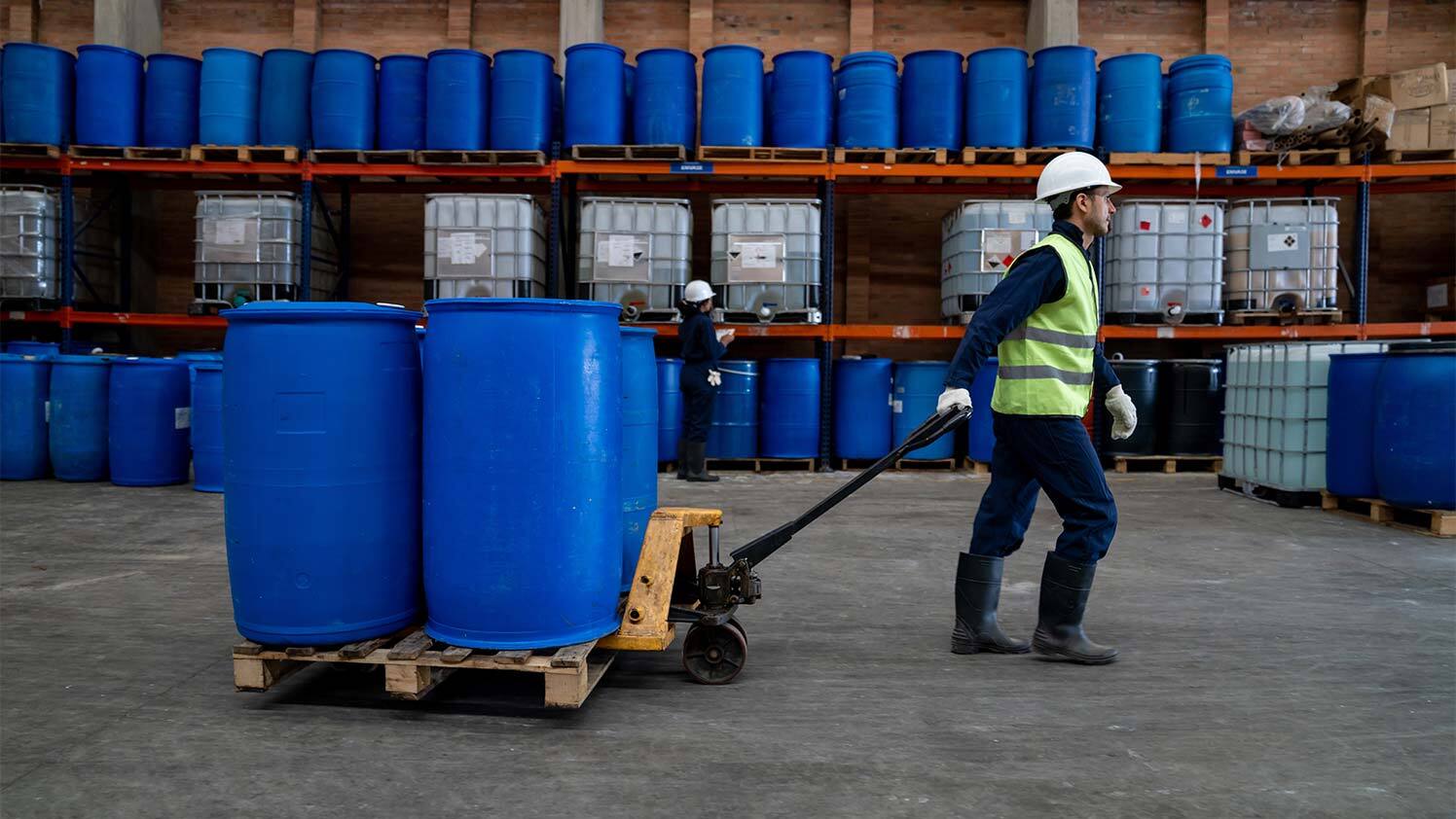
Automate yard counts, track returnable containers, and maintain full visibility over raw materials.
Frequently asked questions
What can I track with GO Anywhere Tag and Mini-Tag?
You can track non-powered tools and equipment. Use the Tag (E9) for job site tools, ladders, pallets, and containers. Use the Mini-Tag (E8) for compact items like instrument kits, measurement tools, and keys.
How do the tags report location?
Do the tags require a SIM card or cellular plan?
Which tag should I choose?
Choose the Tag (E9) for rugged, outdoor use (IP67 waterproof, 5+ year battery). Choose the Mini-Tag (E8) for small items in protected environments like van cabs, toolboxes, or cases (1-year battery).
How do asset separation alerts work?
Link a tag to a vehicle or piece of equipment in MyGeotab. If the vehicle leaves a job site or station without the tagged asset, MyGeotab sends an automatic "Left Behind" alert to the driver or fleet manager.
Do I need a separate app or platform?
No. Tags are managed directly inside MyGeotab alongside your vehicles and heavy equipment, using the same unified rules, zones, and reporting tools.
Ready to eliminate tool loss and optimize asset utilization?
Bring total visibility to every piece of equipment in your operation.
A/B TEST — do not delete. This section holds the CSS that hides the demo form section above it on the live site. Both sections must stay online together and are invisible to visitors. This note only appears in the editor.